

Sculptro.
SCULPTRO is a native AI sound-sculpting instrument powered by Stable Audio 3 that turns any text prompt into an interactive spider diagram of custom sonic spokes, each with its own generated acoustic parameters, so producers can shape, inpaint, layer, and drag WAV samples straight into their DAW.
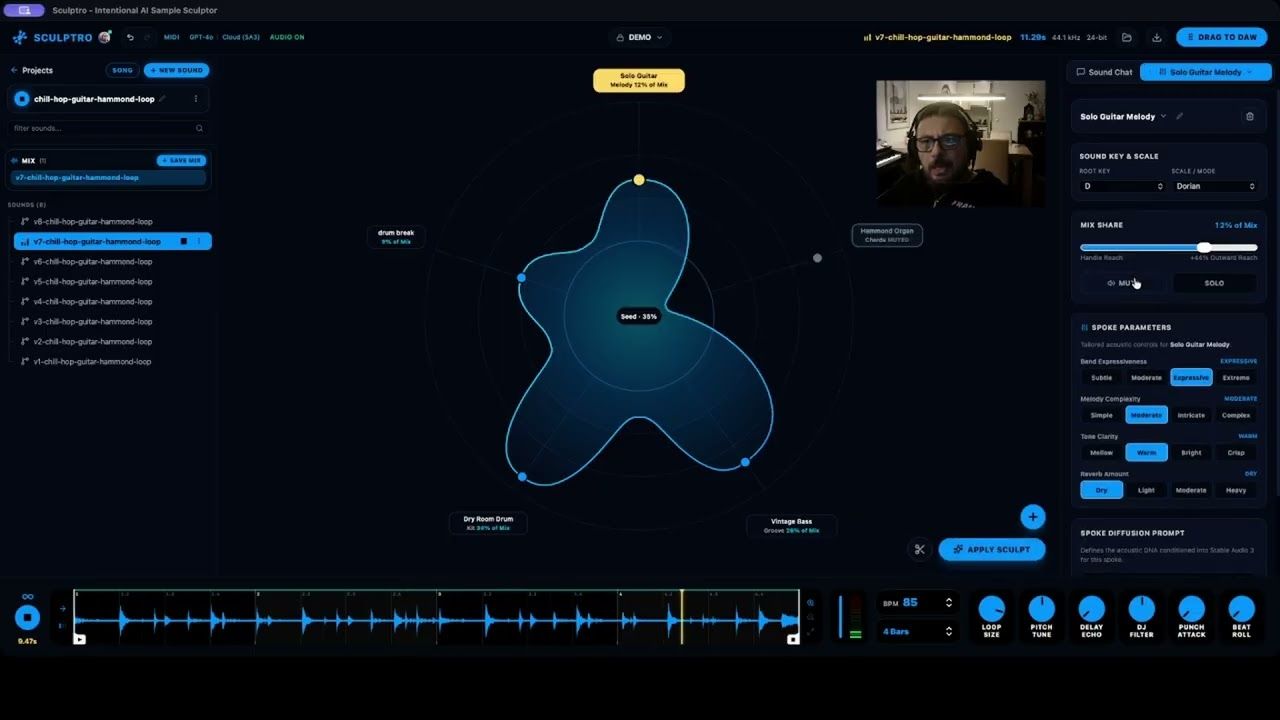
Demo Video
Project Details
Javor Vatchkov
Builder since 2026
- Models
- Stable Audio 3.0 Large, Stable Audio 3.0 Medium, Stable Audio 3.0 Small
- Hosting
- Local, API
Endpoints Used
- Text to Audio
- Audio to Audio
- Inpaint
What It Does
In music production, sound design is hands-on and incremental. You start with a snare, bassline, or synth loop and adjust its punch, warmth, and space to sit right in the mix. A single text input box does not fit that workflow, while traditional synths lock you into a fixed set of knobs.
SCULPTRO turns Stable Audio 3 into a visual, parameter-driven sound design instrument for one-shots, loops, and multi-stem grooves:
- Dynamic Spoke Generation from the Prompt: There are no hardcoded knobs on the Spider Diagram. When you type a prompt like "142 BPM dark UK drill groove with sliding 808 sub-bass, skittering triplet hi-hats, punchy snare, and minor bell", SCULPTRO (deriveAcousticSpokes and engineerPromptWithAI) breaks the prompt down into 3 to 8 radial spokes around the circle. Each spoke represents an actual instrument, frequency area, or texture from your prompt. You also get context-aware suggestions to add new stems or modifiers at any time.
- Generated Per-Spoke Parameters: Clicking any spoke opens its detail panel, which generates 4 custom parameter dimensions matched specifically to what that spoke is (deriveSpokeParameters):
- Click an 808 Bass spoke and you get controls for Pitch Glide (Static Hold, Smooth Glide, Fast Slide, Whip Glides), Sub Pressure (Tucked, Balanced, Heavy Boom, Seismic Sub), Harmonic Grit (Pure Sine, Warm Tube, Distorted, Fuzz Clipping), and Sustain Tail.
- Click a Reverb / Space spoke and you get Room Size, Decay Time, Pre-Delay, and High Damping.
- Click a Hi-Hat / Percussion spoke and you get Rhythm Subdivision (Quarter, 8th, 16th, 32nd Rolls), Pattern Density, Transient Snap, and Metallic Shimmer. Each option maps to both a positive conditioning phrase and a negative counter-prompt for Stable Audio 3. For example, setting an 808 spoke to Static Hold automatically adds "portamento pitch slides, gliding 808 bends" to the negative prompt so the model locks the pitch flat.
- Bi-Directional Pulling (Boost vs. Carve):
- Pull Outward (0% to +100%): Raises that spoke's mix share and blends more of its character into the sound.
- Push Inward (0% to -100%): Turns the spoke into a subtractive carve. SCULPTRO attenuates that frequency range in the seed audio buffer and sends negative conditioning to Stable Audio 3 to strip that element out while keeping the rest of the loop intact.
- Ghost State Preview: Dragging nodes stretches a 60 FPS Catmull-Rom curve on the canvas without firing any API requests until you click [ APPLY SCULPT ].
- Real-Time DSP Strip, Stem Layering & Drag-to-DAW: Includes a 0ms Web Audio finishing strip with a custom WSOLA pitch-shifter (AudioWorkletProcessor), transient punch EQ, stereo width control, tempo-synced beat-roll and delay, hardware MIDI learn and MIDI clock sync, 4-track stem layering, A/B snapshot history, and native drag-and-drop of 44.1kHz WAV files into Ableton Live, Logic Pro, or FL Studio.
Code Snippets
curl -X POST https://api.stability.ai/v2beta/audio/stable-audio/text-to-audio \
  -H "Authorization: Bearer $STABILITY_API_KEY" \
  -F model=stable-audio-3 \
  -F prompt="A punchy lo-fi drum loop with dusty vinyl crackle, 90 BPM." \
  -F duration=30 \
  -o result.mp3
How It Uses Stable Audio
Text to Audio
Generates the initial seed sample using stable-audio-3 (steps: 8, locked seed, BPM and key conditioning).
Audio to Audio
Combines all active spoke weights, custom spoke parameter clauses, and negative counter-prompts into a single request.
Inpaint
Producers can select any time range on the waveform (like a snare tail or a 1-bar fill) and send mask_start and mask_end to Stable Audio 3's /inpaint endpoint to regenerate only that slice.
Explore more projectsjust like this one.
 Stable Audio 3.0 SmallLocal
Project Quarks Jam
Mykhaylo Novokhatko
Quarks Jam matches musicians in their city for in-person meetups and jams, where Stable Audio 3 gives everyone a shared creative challenge to start with.
 Stable Audio 3.0 LargeLocal
Audio Studio Mcp
@kanaworksai-hue
Audio Studio MCP gives Claude Code, Claude Desktop, Cursor and any other MCP client a sound studio that runs on your own Mac or Windows PC
 Stable Audio 3.0 LargeAPI
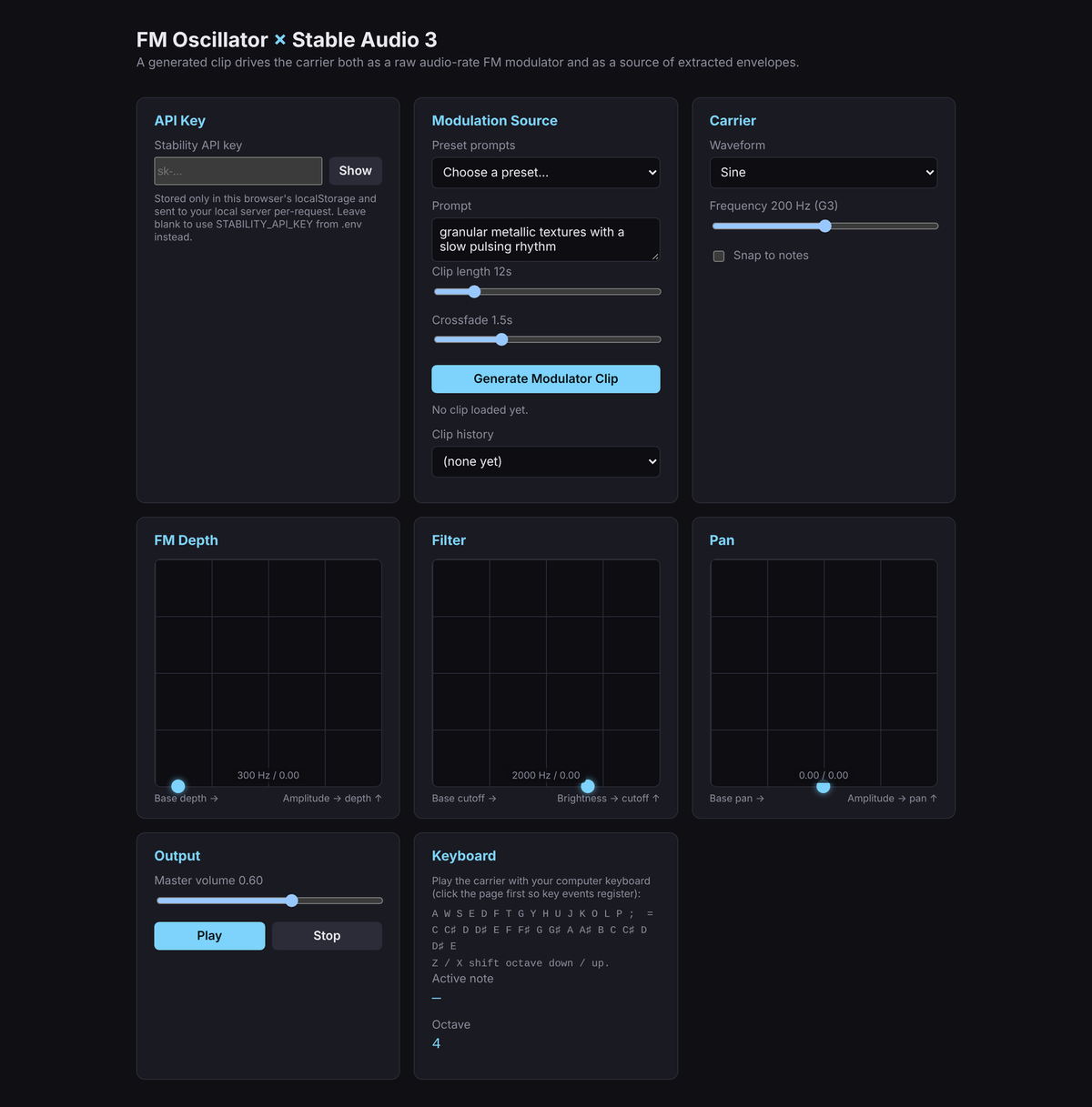
FM Oscillator × Stable Audio 3
@maxfieldhulkerSAI
A real-time FM synthesizer whose modulator is a generated Stable Audio 3 clip.
 Stable Audio 3.0 LargeAPI
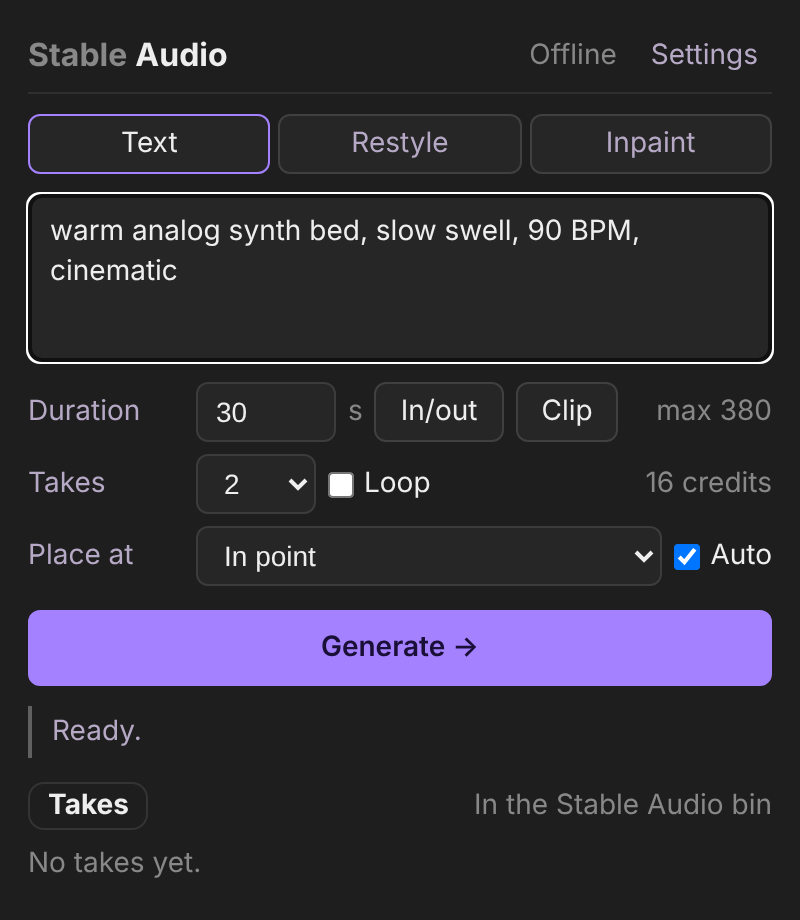
Stable Audio for Premiere Pro
@maxfieldhulkerSAI
A Premiere Pro panel that generates music and sound design with Stable Audio 3 and places the result on your timeline.