

Generative Tracker.
A browser tracker DAW where every sample is generated by Stable Audio 3 from a text prompt, and an AI assistant builds and edits the pattern for you.


Project Details

@maxfieldhulkerSAI
Builder since 2026
- Published
- 11/05/2026
- Model
- Stable Audio 3.0 Large
- Hosting
- API
- License
- MIT
Endpoints Used
- Text to Audio
What It Does
A classic tracker grid: 64 rows, 7 tracks, 4 rows per beat, with a tracker view and an arrange view. Type a prompt like "punchy 808 kick" in the sample browser, set a length of 1 to 22 seconds, and a sample lands in your library a few seconds later; you can also drop your own audio files in. Click cells to place samples, set per-note volume and pitch (−24 to +24 semitones), mute and solo tracks, and open the mixer for track faders and sidechain ducking (any track can duck to any other). The chat assistant sees the whole project state and acts on it: ask for "a driving techno beat at 128 BPM" and it plans the samples, generates them, sets the tempo and places the notes; ask it to "add hats on every off-beat in the selection" and it edits only the selected region. Every assistant change can be undone in one click. Export the loop as a WAV with as many repeats as you want.
Code Snippets
curl -X POST https://api.stability.ai/v2beta/audio/stable-audio/text-to-audio \
  -H "Authorization: Bearer $STABILITY_API_KEY" \
  -F model=stable-audio-3 \
  -F prompt="A punchy lo-fi drum loop with dusty vinyl crackle, 90 BPM." \
  -F duration=30 \
  -o result.mp3
How It Uses Stable Audio
Text to Audio
Generates every sample. One call per sample with model=stable-audio-3, the prompt, duration 1 to 22 s (up to 190 s for a hand-typed prompt), and output_format=mp3.
Explore more projectsjust like this one.
 Stable Audio 3.0 LargeLocalAPI
Sculptro
Javor Vatchkov
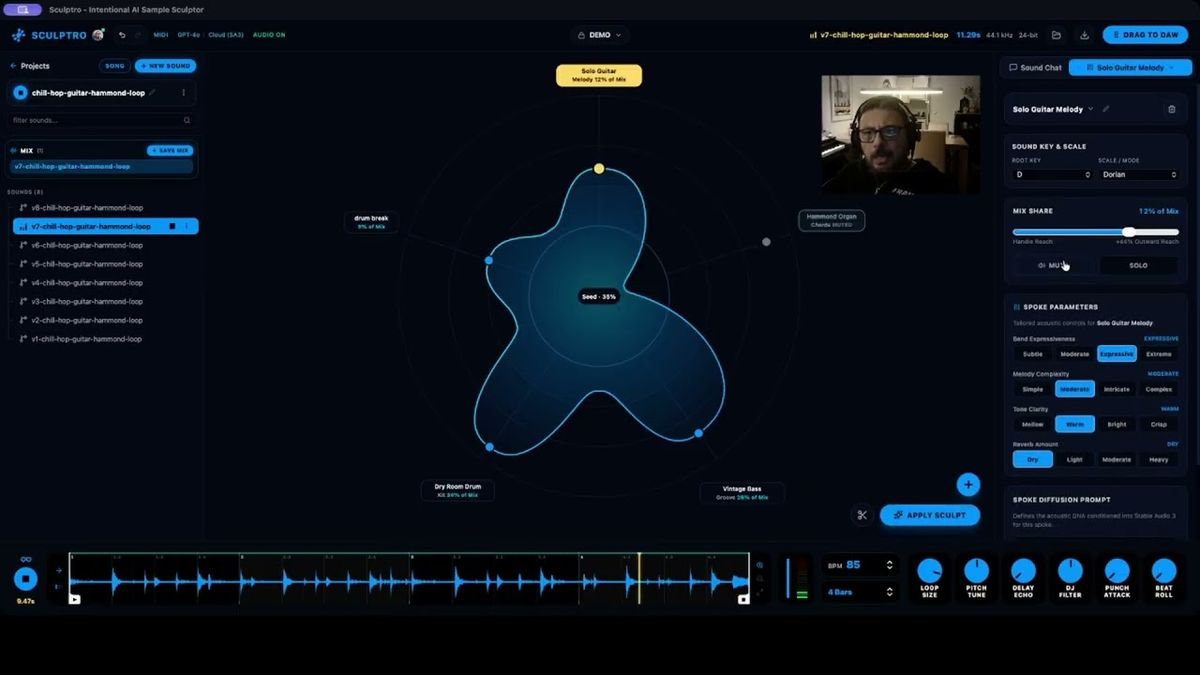
SCULPTRO is a native AI sound-sculpting instrument powered by Stable Audio 3 that turns any text prompt into an interactive spider diagram of custom sonic spokes, each with its own generated acoustic parameters, so producers can shape, inpaint, layer, and drag WAV samples straight into their DAW.
 Stable Audio 3.0 LargeLocal
Audio Studio Mcp
@kanaworksai-hue
Audio Studio MCP gives Claude Code, Claude Desktop, Cursor and any other MCP client a sound studio that runs on your own Mac or Windows PC
 Stable Audio 3.0 LargeAPI
FM Oscillator × Stable Audio 3
@maxfieldhulkerSAI
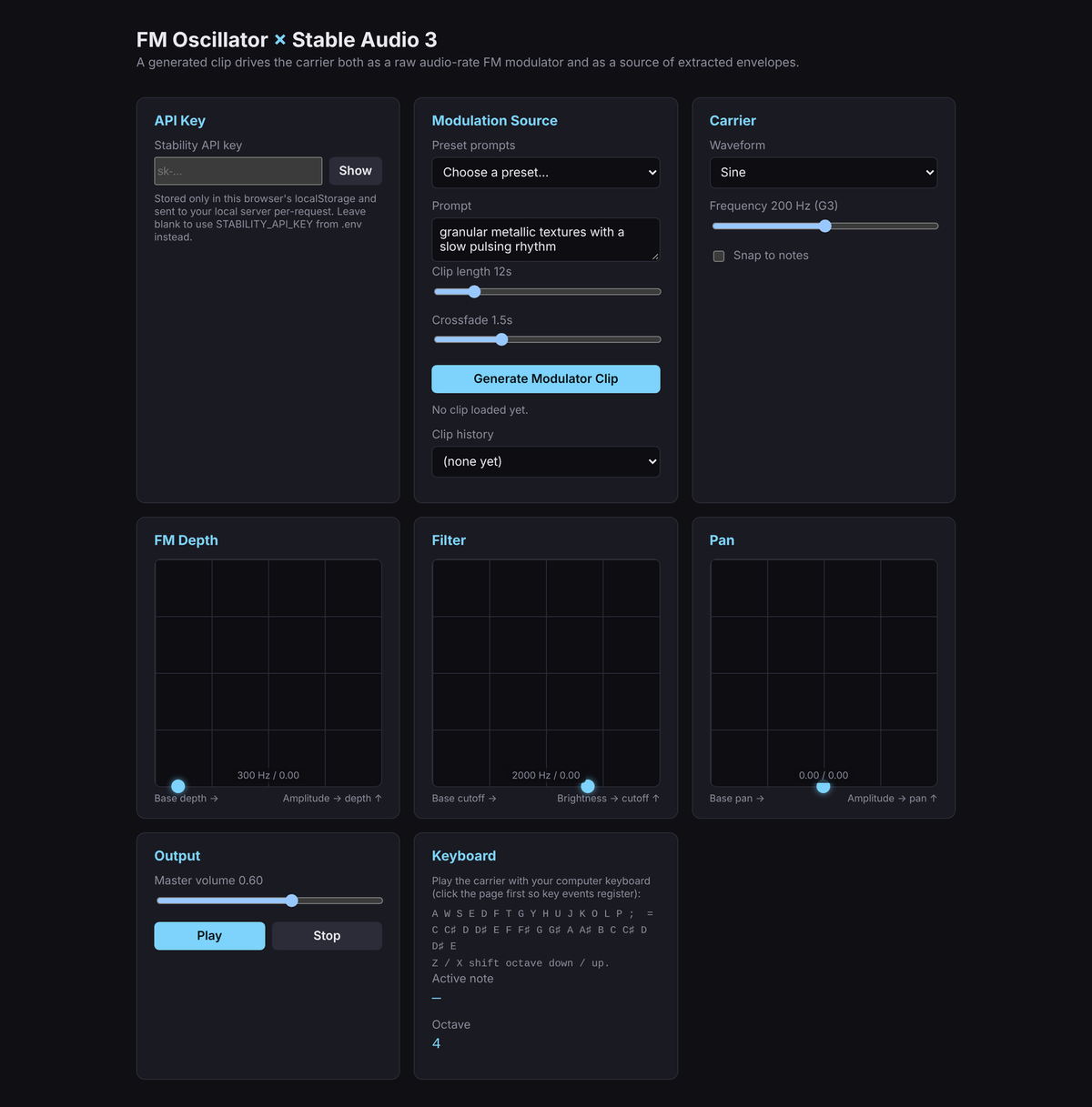
A real-time FM synthesizer whose modulator is a generated Stable Audio 3 clip.
 Stable Audio 3.0 LargeAPI
Stable Audio for Premiere Pro
@maxfieldhulkerSAI
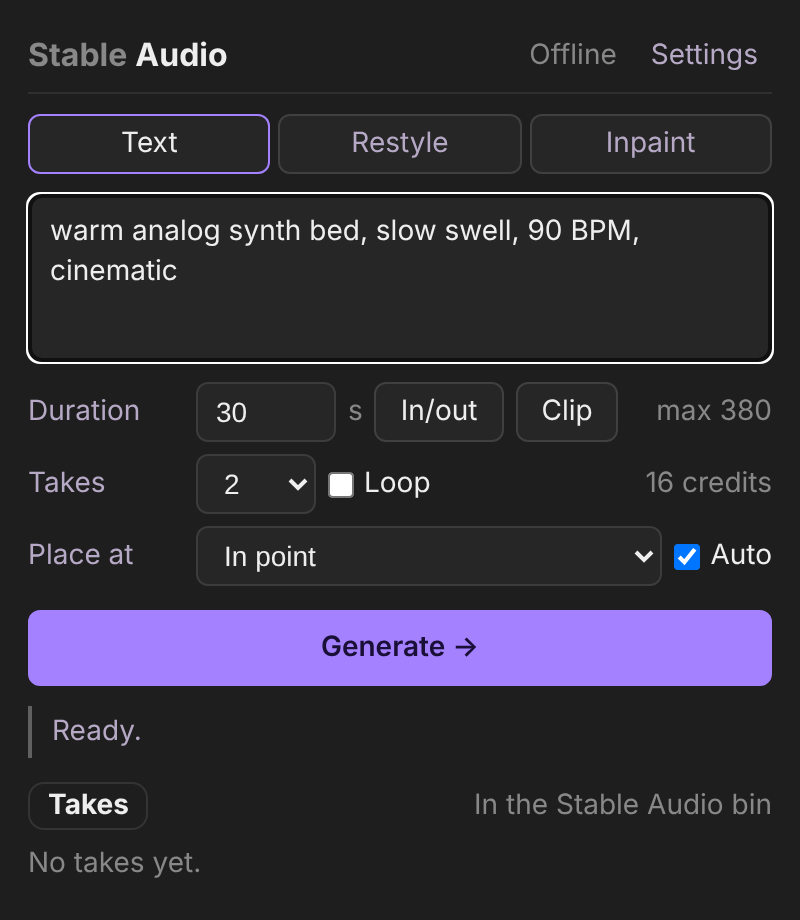
A Premiere Pro panel that generates music and sound design with Stable Audio 3 and places the result on your timeline.